GPS run, ride, walk & hike
Distance, pace, time and splits live, then the route, elevation and heart-rate zones afterwards. Pair a Bluetooth heart-rate strap from the Record screen.
A GPS run and ride tracker that keeps your training on your phone. Splits, heart rate, training load and live Injury Guard alerts on iPhone and Apple Watch — no account, no subscription, with Strava and Apple Health only if you want them.
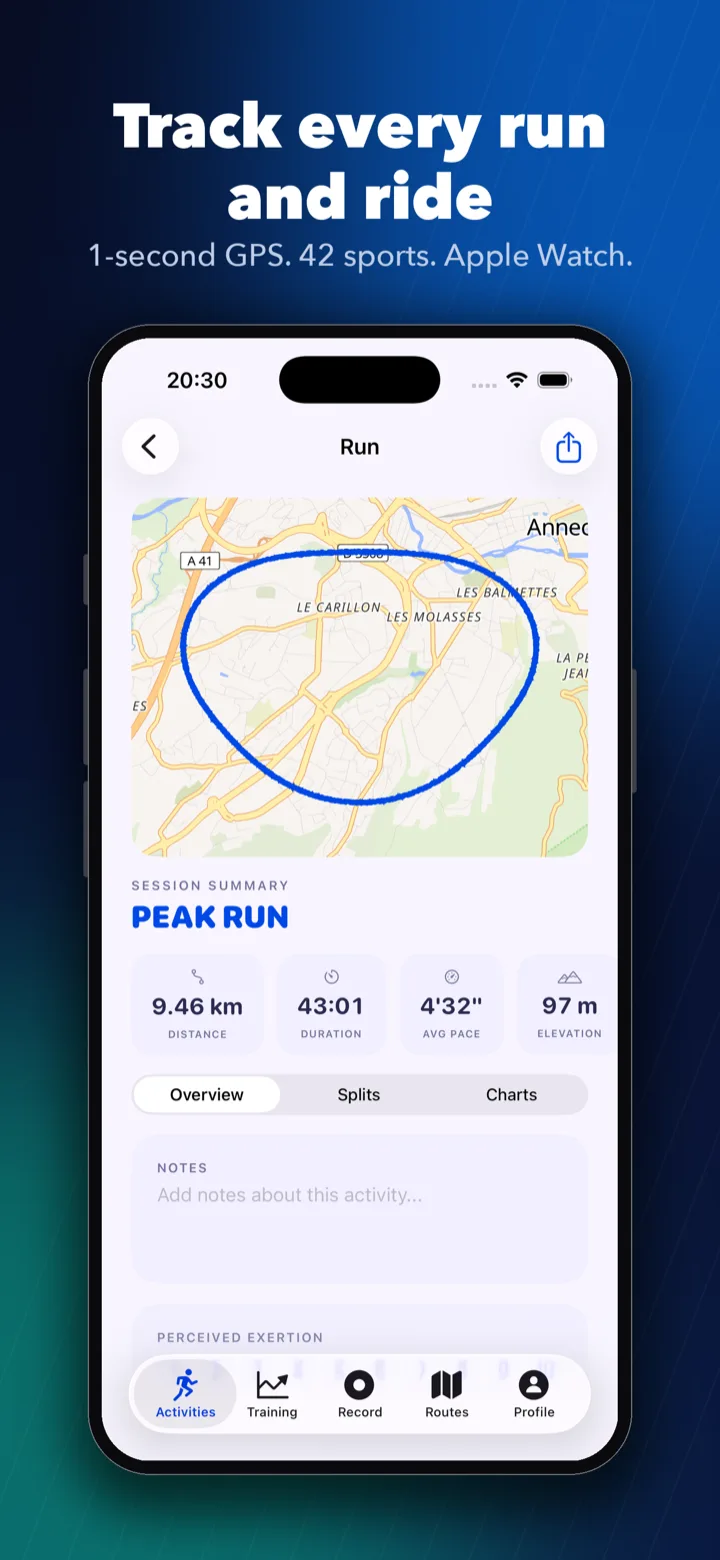
Record a session, then open it to see the route, splits, elevation and heart rate. Training load and your smart ring are one tab away, and all of it lives on your phone.
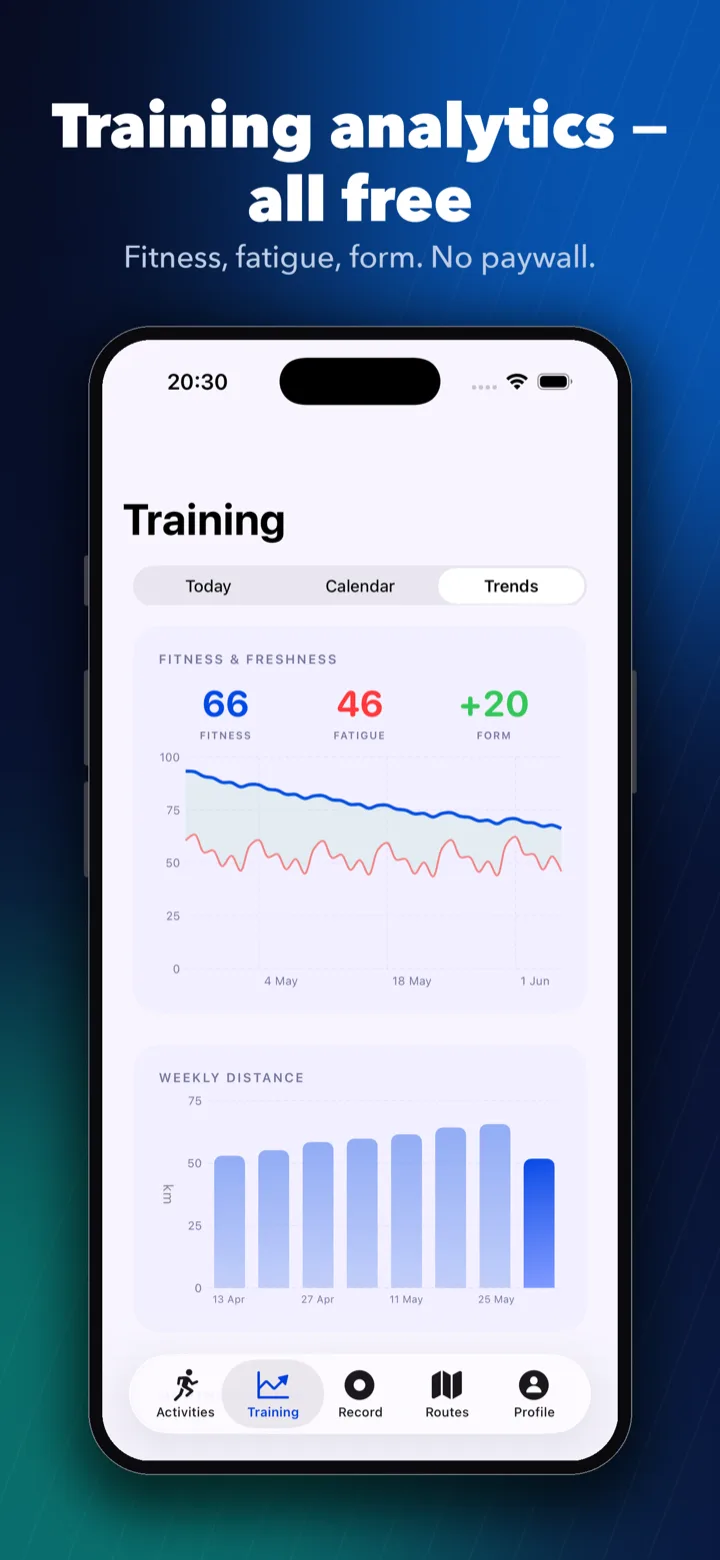
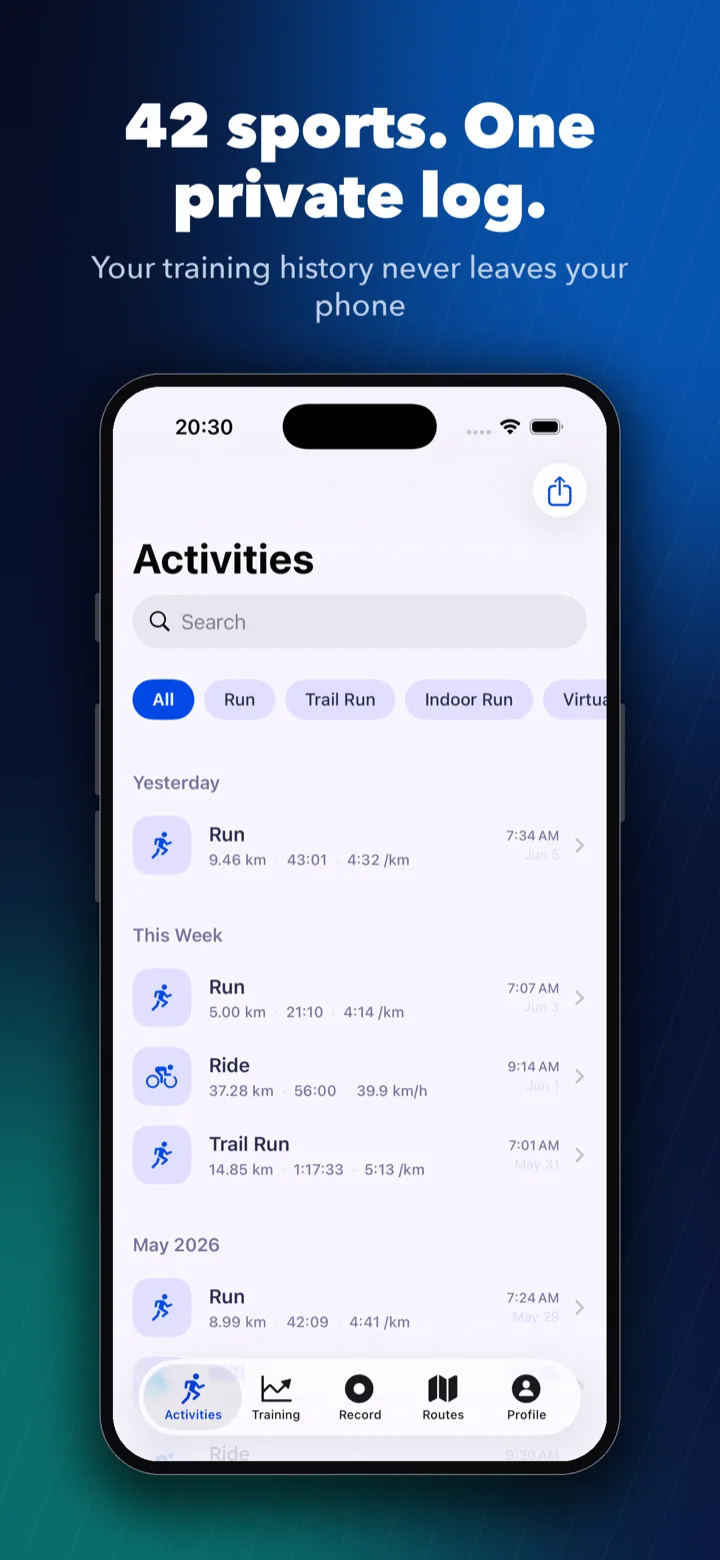
A complete tracker for runs, rides, walks and hikes, with training-load estimates and standard exports, built so your workout history stays yours.
Distance, pace, time and splits live, then the route, elevation and heart-rate zones afterwards. Pair a Bluetooth heart-rate strap from the Record screen.
Record from your wrist and leave the phone at home. Watch workouts arrive on your iPhone with splits, personal records and matched routes.
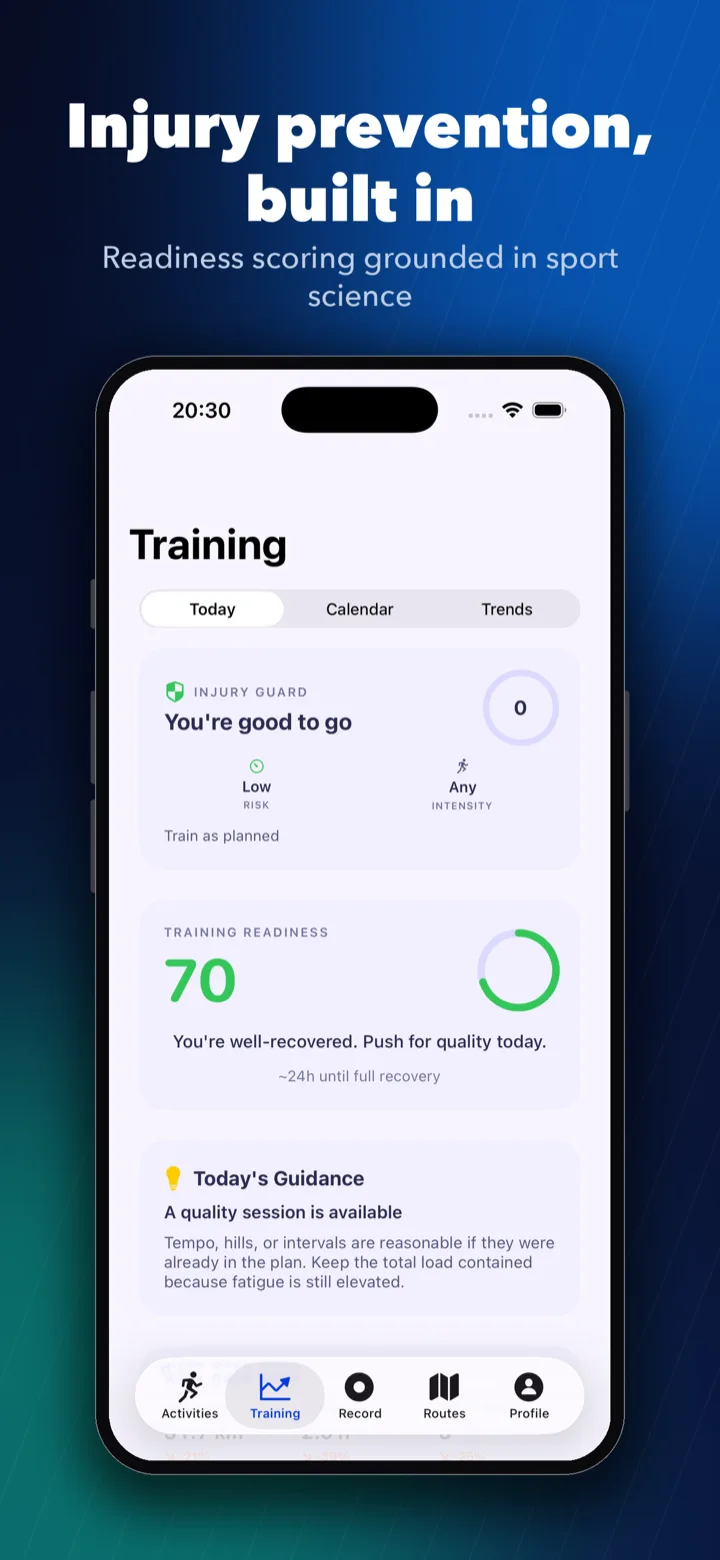
Estimates your training load against what you're used to, flags risky sessions and can alert you during a workout. A guide to help you judge, not a diagnosis.
Switch on heat alerts and PaceGrid can warn you during a workout when conditions turn dangerously hot, using the Cloudmesh weather service and a rounded location. Off unless you turn it on.
Connect Strava and completed GPS workouts upload automatically; leave it unconnected and nothing goes there. Import GPX, FIT, TCX and zipped Strava exports too.
Save favourite loops, build new routes and download map regions for use offline. Following a saved route works without a connection.
Export any workout in standard formats, so your history is never trapped in one app.
Pair an affordable Colmi-family smart ring straight from PaceGrid — no separate ring app and no account. Your ring's vitals and sleep show up on the dedicated Device tab, with day charts and weekly trends.
Heart rate, blood oxygen, stress and HRV, read straight from the ring and shown with day charts and a 7-day trend — recovery signals you can actually use before a hard session.
A sleep score, the stage breakdown and a hypnogram you can drag across with your finger, plus a 7-night trend. If you wear both, Apple Watch sleep comes first.
Your overnight skin temperature, shown as a trend against your own typical range so you can spot the nights you ran warmer or cooler.
PaceGrid talks to the ring over Bluetooth itself — no cloud, no login. Ring heart rate can feed a workout, and you can save ring data to Apple Health if you like. Use it alongside Ondi on the same phone.
Tested: COLMI R09. Compatible (same family, not individually tested): COLMI R02, R03, R06, R10 and most rings that pair without their own app. Heart rate and blood oxygen are confirmed across the family; sleep accuracy varies by model.
Give the ring a few minutes on its charger so it has power to connect.
If you used the official ring app, fully close it. You can keep PaceGrid and Ondi paired at the same time — just don't sync in two apps at the same moment.
Make sure Bluetooth is on and PaceGrid is allowed to use it.
Open the Device tab and tap Scan for Ring with the ring next to your phone.
Choose your ring from the list to connect. PaceGrid remembers it for next time.
Wear it day and night — heart rate is a tap away and sleep syncs automatically when you reopen the app.
PaceGrid doesn't just count your kilometres — it compares how quickly you're loading up with what your body is used to, so you can spot a risky jump before it becomes a habit.
PaceGrid is for runners, cyclists and hikers who want a GPS fitness tracker with no subscription — a Strava-friendly running app that records on your wrist and keeps your training history on your own device instead of a vendor cloud.
Try everything free for 7 days. Recording stays free after that, and one purchase unlocks the full app for good.
Record with GPS straight from the wrist, feel Injury Guard alerts as haptics, and leave the phone behind.
Connect Strava for friends and kudos, or don't, and every workout stays on your phone.
GPX and FIT export keeps your workouts portable rather than trapped in one app.
No. All features are free for 7 days, recording stays free afterwards, and a single purchase unlocks the rest. Read Running Apps Without a Subscription.
Yes. PaceGrid records GPS workouts directly from your wrist, so you can leave your phone behind. The Apple Watch app is part of the full unlock.
It compares your recent training load with your longer-term baseline and can alert you during workouts. Learn more in Training Load & Injury Prevention.