Education

Pen Licence

Teach kids to write — on iPad.

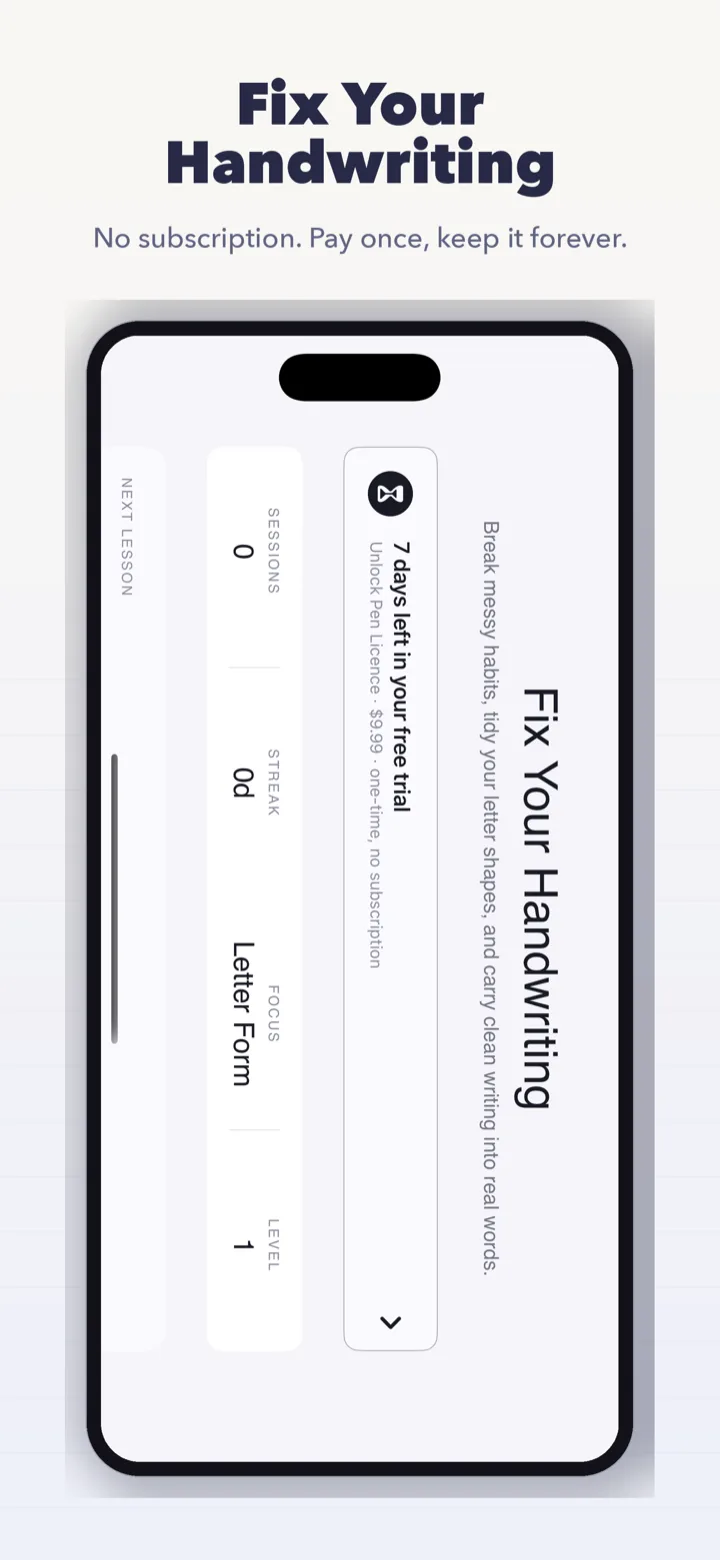
Pen Licence app screenshot showing practice pathways, warm-up, and transfer-to-real-writing sections
Ages 4–8Early-primary handwriting
Pressure-awareReal stylus pressure feedback
On-deviceNo accounts, no cloud

What It Does

Letter-by-Letter Curriculum

A structured 26-letter curriculum in Zaner-Bloser pedagogical order with an alphabetical toggle. Children see exactly where they are and what is coming next.

Pressure Coaching

Real-time pressure feedback shows when a stroke is too light, just right, or too heavy. Pressure metrics only apply when using a compatible stylus, so finger practice stays encouraging.

Stroke Recognition

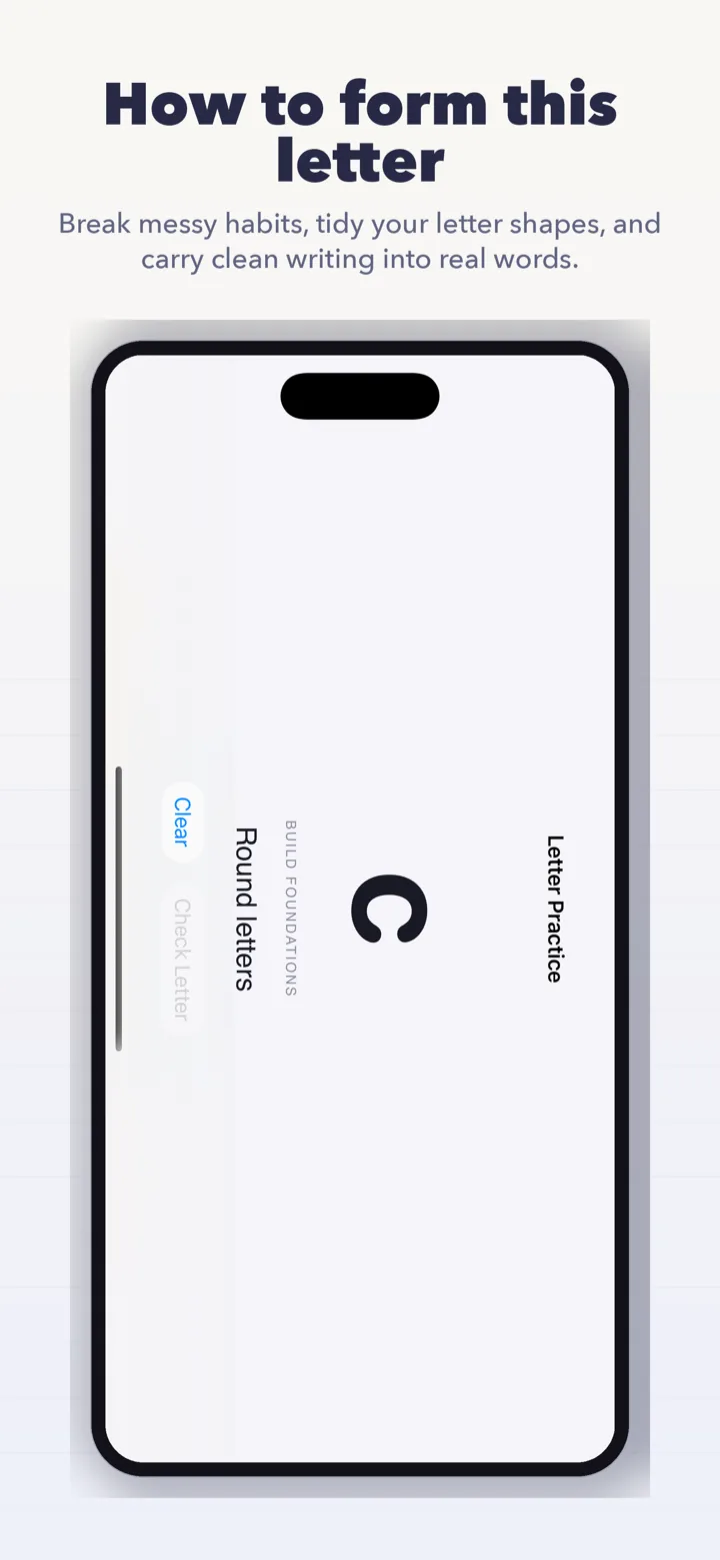
Each letter is checked against its model stroke path so children get honest feedback on shape, direction, and completion — not a stamp of approval for any squiggle.

Ghost Letter Guide

A faint ghost of the target letter appears on the writing zone, scaled to x-height, so young learners can trace confidently before moving to freehand practice.

Progress Strip

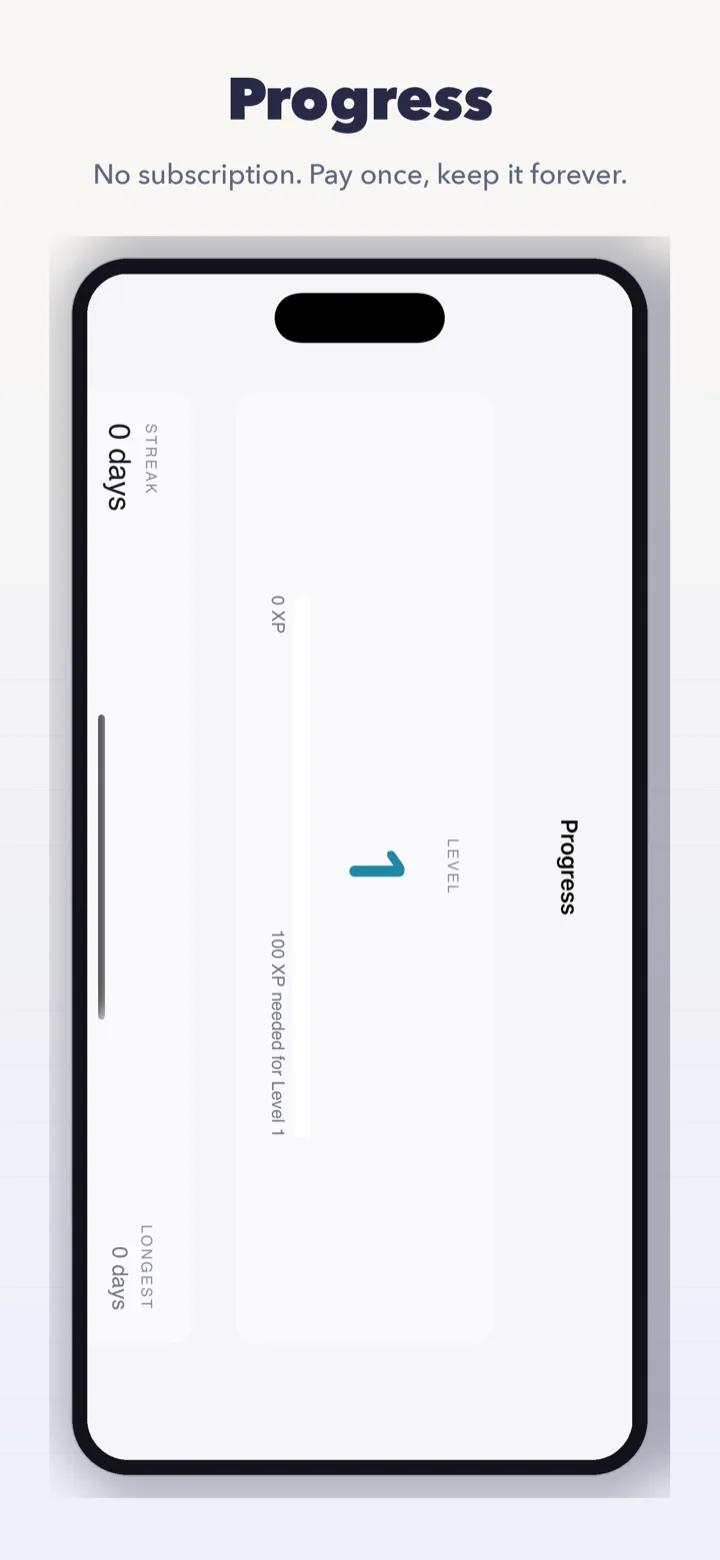
A 26-dot progress strip under every screen shows completed letters, current letter, and the next few upcoming — nothing is hidden behind menus.

Sticky Controls

Check, Try Again, and Next Lesson buttons live in a sticky footer so the next action is always one tap away, even on smaller iPads.

Privacy & Data

  • No account required. No sign-up, no email, no password.
  • All practice data — strokes, scores, progress — stays on your child's iPad.
  • No ads, no third-party analytics, no tracking SDKs.
  • No network connection required. The app works offline end-to-end.

Who It Is For

Pen Licence is built for parents, teachers, and therapists looking for a serious handwriting practice app for iPad, a learn to write app, or a kids writing app with Apple Pencil. It fits families practicing at home, classrooms using iPads as a station, and occupational-therapy work where pressure and stroke formation matter.

Why Choose Pen Licence?

Built around stylus pressure

Most handwriting apps ignore stylus pressure. Pen Licence treats it as first-class feedback — the difference between "light enough" and "dig-through-paper heavy" is visible stroke-by-stroke.

Honest stroke checking

No rewards for scribbles. The app checks stroke path against the letter's model and explains what to fix — shape, direction, or completeness.

Pedagogical first, alphabetical optional

Ships in the Zaner-Bloser order (c, o, a, d, g, q, …) that builds motor skills efficiently, with a one-tap alphabetical toggle for children who prefer a familiar sequence.

Parent-friendly privacy

Nothing about your child leaves the iPad. No sign-up, no progress sync, no cloud. The app is a tool, not a surveillance device.

Best Search Fits

Pen Licence should be a strong fit for searches like handwriting practice app for iPad, learn to write letters app, Apple Pencil writing app for kids, kids handwriting app, and trace letters app.

Frequently Asked Questions

What age group is it for?

Pen Licence is designed for early-primary children — roughly ages 4 to 8 — but older learners building handwriting confidence can benefit too.

Do we need an Apple Pencil?

No. Finger practice works. Apple Pencil unlocks the pressure-coaching features; without one, the app silently skips the pressure stat instead of scoring a child unfairly.

Is there a subscription?

No recurring subscription. Pen Licence is a one-time purchase on the App Store, matching the rest of the BFG education lineup.