Guided grade journey
Move through foundation skills, graded lessons, and readiness checks at your own pace, with the next useful step always in view.
Guided piano practice designed for iPad, also available on iPhone and Mac. Falling notes, section loops, MIDI keyboard input, acoustic mode, your own imports, and clear progress reports — local-first, with no accounts and no ads.
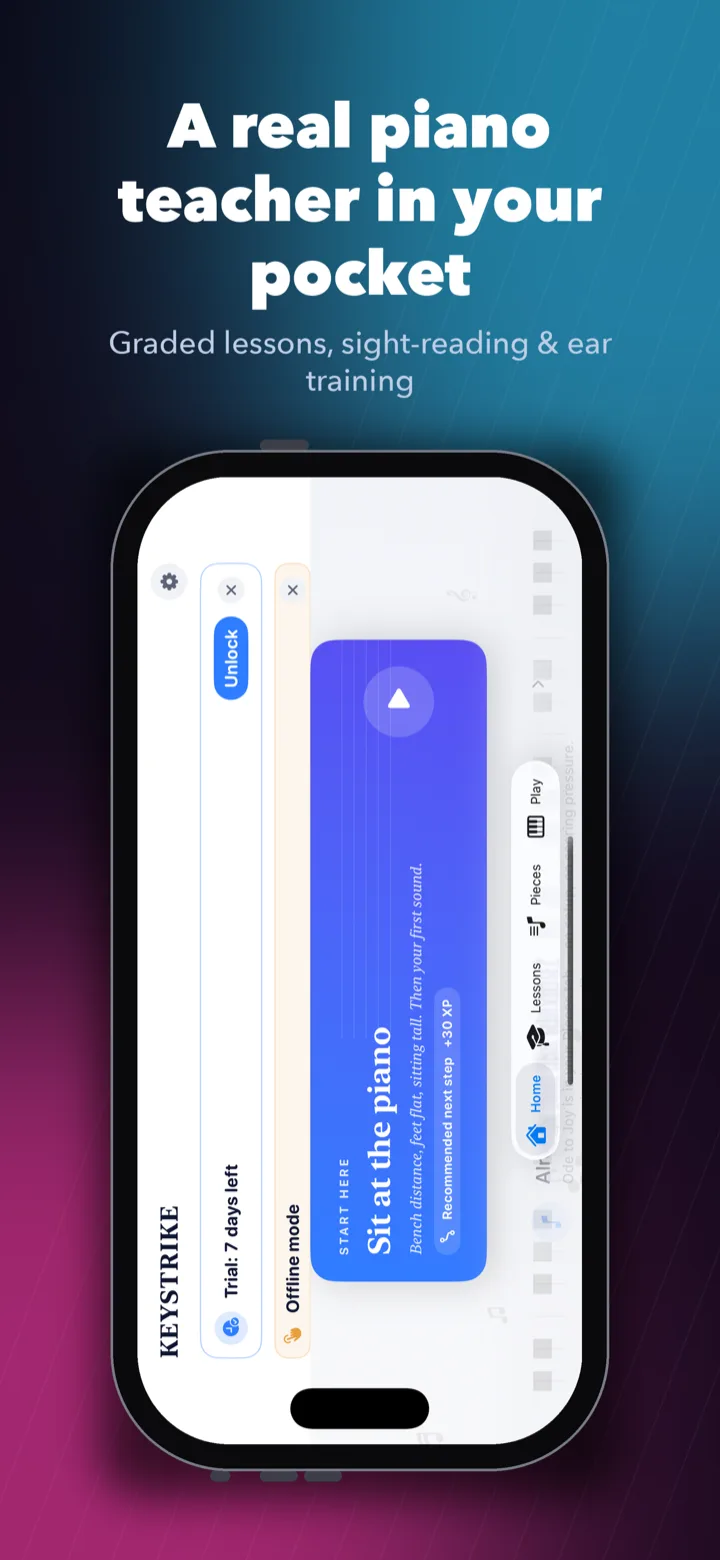
A clear path through every practice session — play falling notes, loop the hard sections, check your reading, and watch your progress build. Now on iPhone, iPad and Mac.
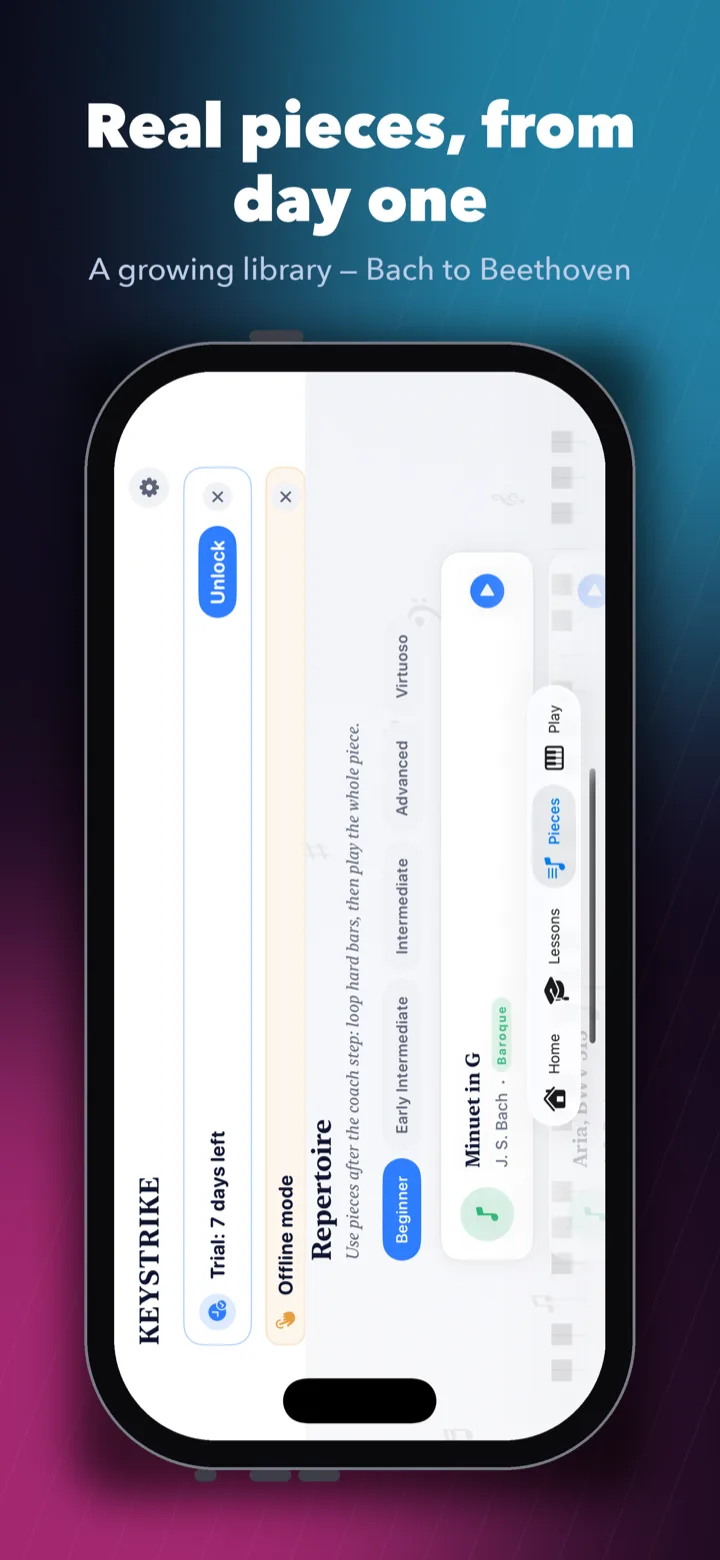
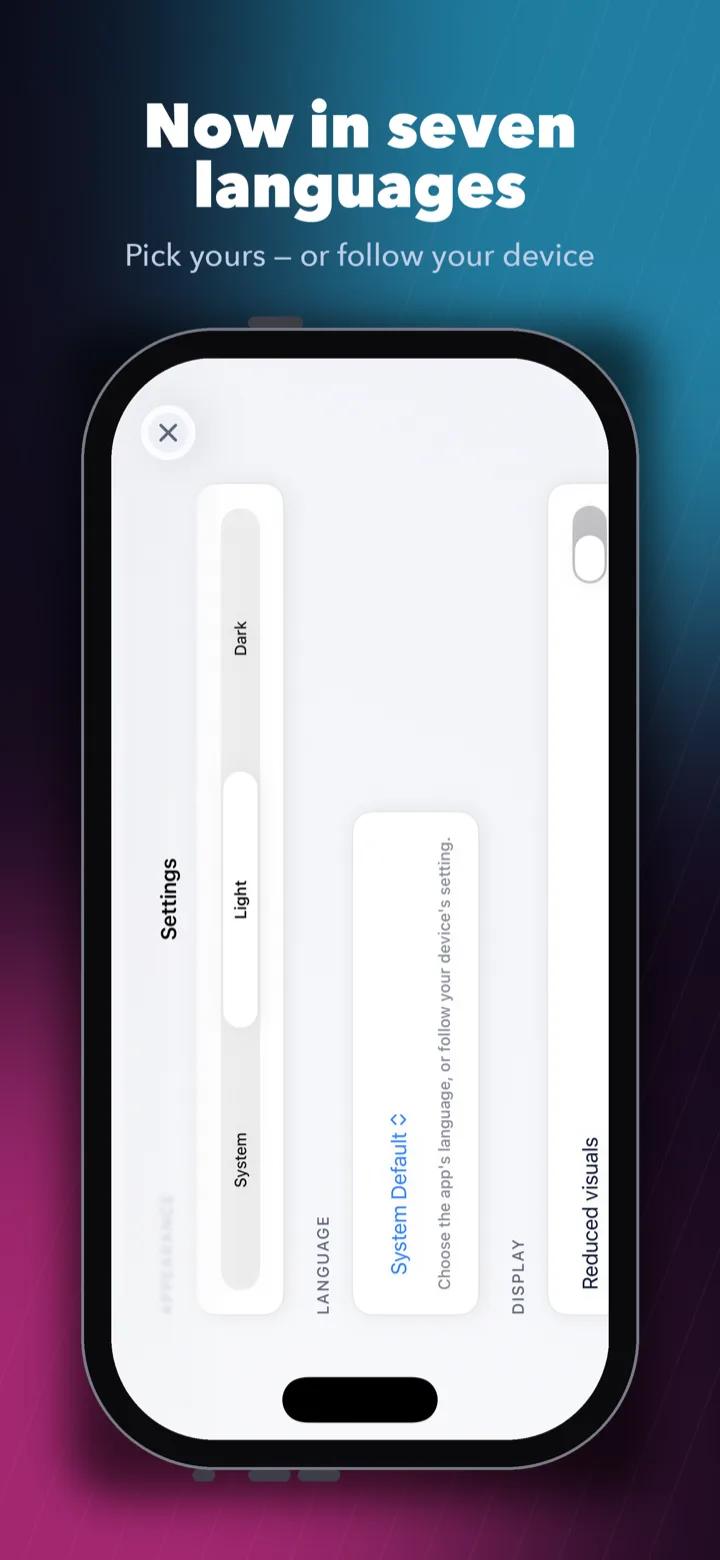
A complete practice room — graded lessons, falling-note pieces, theory woven into the steps, and tools to bring your own music.
Move through foundation skills, graded lessons, and readiness checks at your own pace, with the next useful step always in view.
Notes fall toward a hit line; you play the matching key. Slow the tempo, isolate a hand, and let early learners see labelled notes.
Staff reading, rhythm, intervals, scales, chords, dynamics, and articulation are introduced through lesson steps and reference material.
Treble and bass clef reading drills, ear-copy challenges, and short checks move practice beyond memorising songs.
Scale tests, chord drills, and a free-piano recorder give you a place to build technique and create your own ideas.
Public-domain repertoire is included for falling-note practice and section loops, ready to play from the start.
Import standard .mid or .midi files from Files. Keystrike parses them into playable charts and suggests sections to practise.
No MIDI keyboard? Acoustic mode can listen through the microphone for single-note practice when you grant permission.
Practice reports, weak-spot tracking, adaptive drills, and handoff views for a teacher or parent help make progress easier to trust.
The home screen points you toward the next useful step first, then repertoire, imports, and creative work once the daily practice block is done. Mistakes turn into short, targeted drills instead of vague advice.
Keystrike is built for absolute beginners, returning players, self-taught learners who want more structure, parents helping a child practise, and students who need a clear path between teacher lessons.
Gentle early grades and labelled falling notes mean you can start playing without buying any hardware first.
Pick up where your hands left off with graded pieces, section loops, and reading drills to rebuild fluency.
Practice reports and handoff views make a child's progress easy to follow between lessons.
A credible graded course with theory built in, for when a teacher isn't an option right now.
Keystrike fits searches like best piano app for iPhone and iPad, graded piano practice app, piano app with MIDI keyboard support, section loop piano practice, piano app with theory and sight reading, and learn piano on Mac.
No. Use a USB or Bluetooth MIDI keyboard if you have one, an acoustic piano with the microphone, or the on-screen keyboard. Many beginners start with no hardware at all.
The app is structured around foundation work and graded progress, with lesson steps and readiness checks at each stage.
No. Keystrike is built for iPhone, iPad, and Mac.
Keystrike is local-first, so progress, recordings, and imported MIDI files stay on the device they were created on.
You cannot import PDFs at launch. You can import MIDI files (.mid, .midi) and Keystrike will parse them into a playable chart automatically.
Both. The early grades are gentle enough for a focused eight-year-old; the later grades go deep enough for adults working toward exam-grade repertoire.