A companion for the companies you follow and the state of the economy: a Today tab, alerts, model estimates, figures for your own holdings and sourced cards, each with the date of its data. All AI runs on your device. Tickview gives information, never advice.
Today
The tab Tickview opens on. It gathers the morning brief, what your alerts caught, the dated events coming up, the Recession Watch status and your watchlist's moves, each with its source and date. The tabs are Today, Ask, Portfolio and Markets, with Settings behind the gear.
Alerts in the background
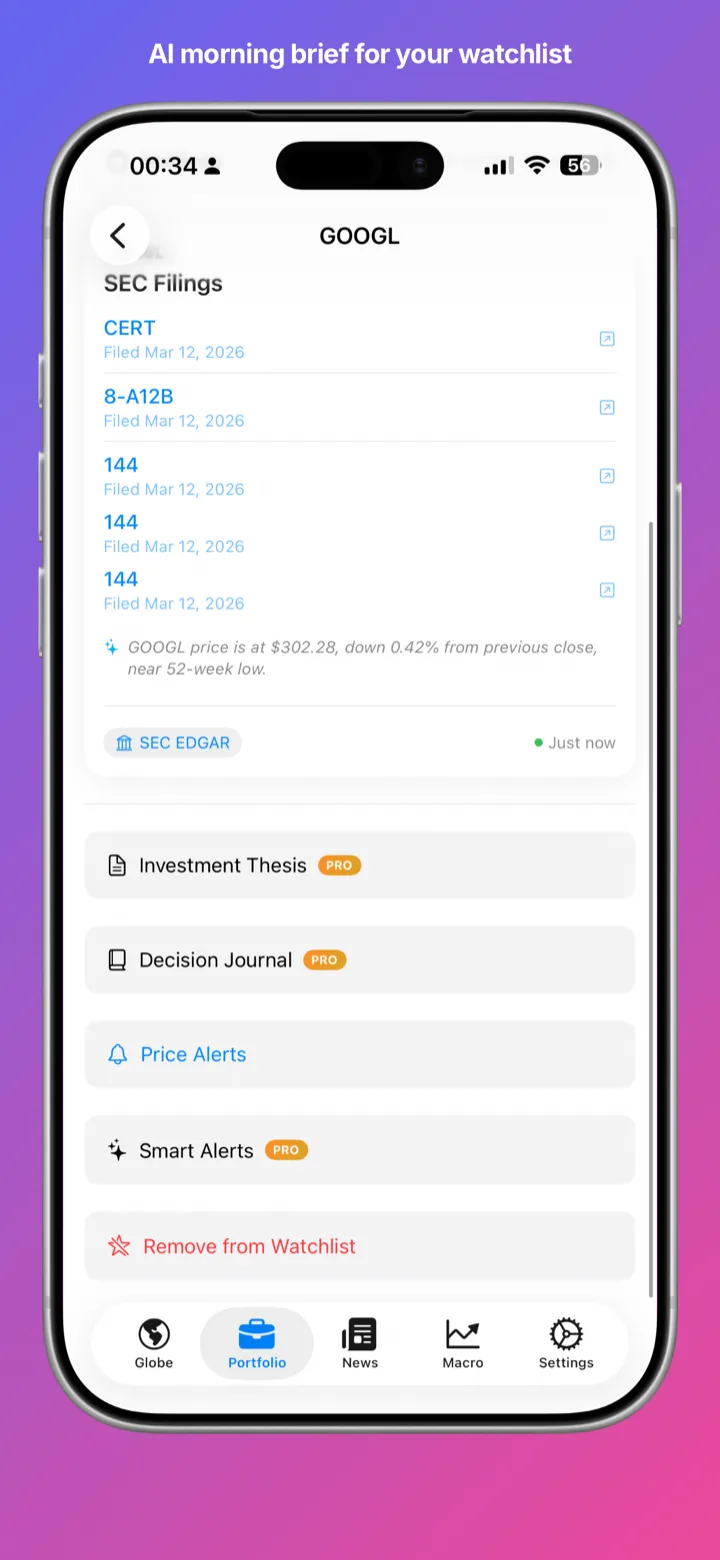
Price alerts trigger once when a price crosses your level, in your own currency. Tickview Pro adds alerts for new SEC filings (10-K, 10-Q, 8-K, offering documents), insider purchases reported on SEC Form 4, earnings dates (with a free Finnhub key) and changes in recession indicators. Alerts are checked when iOS allows, are information, and can arrive late. One Alerts screen lists everything being watched.
Recession Watch
The model probability of a US recession within 12 months, from the yield-curve model published by the New York Fed and calculated by Tickview from Treasury data, shown with how often that figure has been right, false alarms included. It also tracks the 10-year minus 3-month and 10-year minus 2-year curves, re-steepening after an inversion and the Sahm rule, each with its formula, data date and track record. It shows a count of active warning indicators, never a blended score, and works with no API key. Pro adds history since 1960 with recessions shaded.
Bond market
Today's Treasury curve against a month and a year ago, how unusual the latest 30-day move is compared with history since 1962, and real yields and breakeven inflation.
Numbers checked
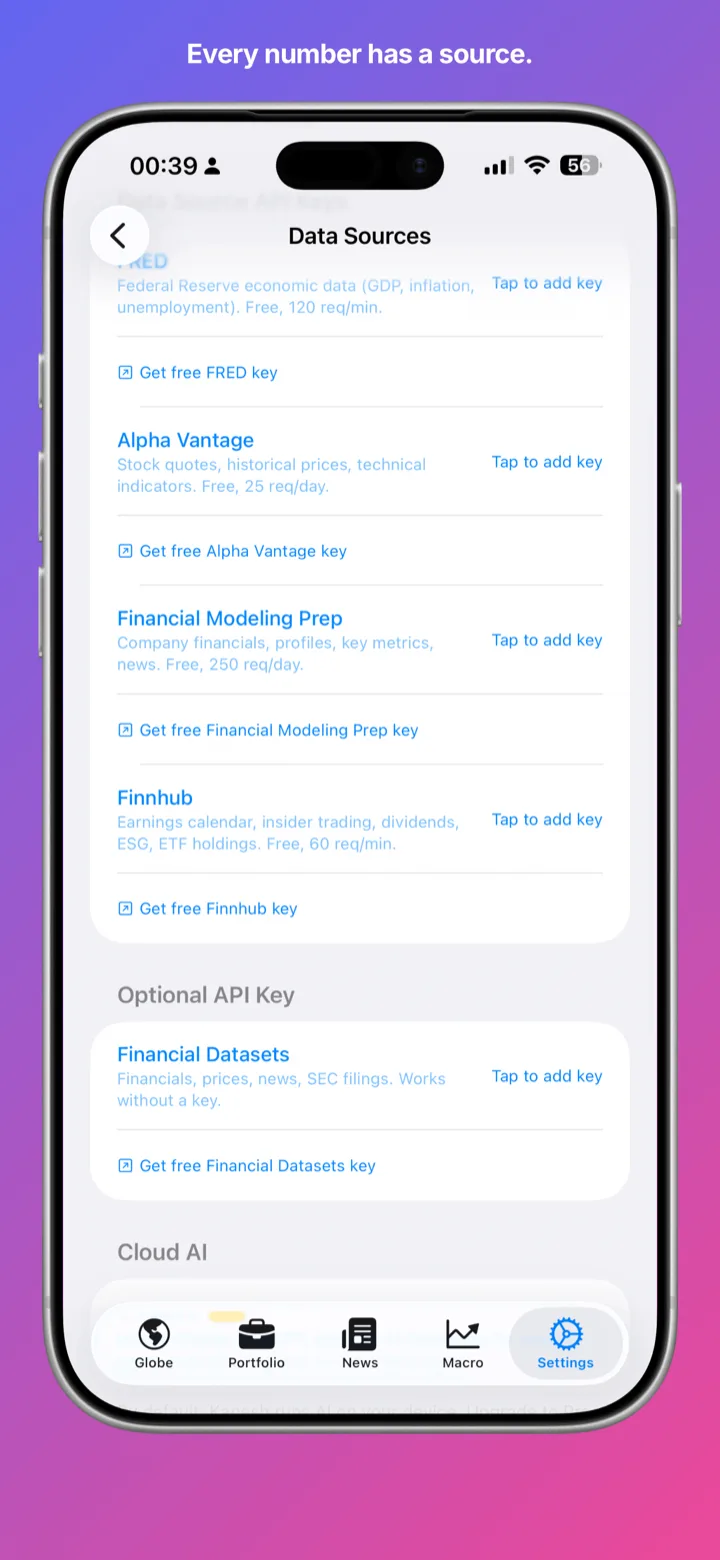
AI summaries are compared with the source figures before they are shown. If one fails the check, a plain factual sentence is shown instead. Every card also shows when its data is from, such as “Market close · Fri 16:00 ET”.
Sourced answers
Ask in plain English for a price, a statement, a comparison or a rate and get a card that links to its source. Tickview asks when it is unsure which company you mean, and a follow-up such as “and its debt?” continues the same thread. Company financials come straight from SEC EDGAR and go back up to 15 fiscal years, with every period linked to the SEC filing it came from. Answers are kept on your device, so they still show offline with the time they were fetched, and when a source is down Tickview says which one. Prices are converted correctly from each listing's currency.
Holdings, gain and loss
Enter your shares and cost and see each position's value. Tickview Pro adds totals, day change and gain/loss in your own currency, and a price history can be shown in your currency at each date's exchange rate. Every total says which positions it covers, and a missing cost, price or rate shows as “—”, never as zero. These are estimates from the prices shown and the numbers you typed, not an account statement and not tax figures.
Widgets
A Watchlist widget for the Home Screen and the Lock Screen, a Recession Watch widget and, with Tickview Pro, a widget with your choice of tickers. Every figure carries its time and its source, and a price Tickview has not re-checked is dimmed and labelled “stale”.
Siri, Shortcuts and Spotlight
Ask Tickview a question, open a ticker or get the Recession Watch status through Siri and Shortcuts. Answers are worked out on your device and come with their source and the time of their data. Your tickers, theses and journal notes can be found in Spotlight search, from an index that stays on the device.
Event prep and the morning brief
Event prep lists what is scheduled for your watchlist in the next 14 days: earnings dates, CPI, the jobs report, GDP and central-bank decisions, each with where its date came from. The morning brief is built only from dated, sourced inputs: moves, new filings, what is scheduled, the bond and recession figures and attributed headlines. Both are part of Tickview Pro.
Share cards
Turn a result into an image to share: the figures, their source, the date of the data and the source's link. A card never carries your share counts, position values or notes, and like everything in Tickview it is information only.
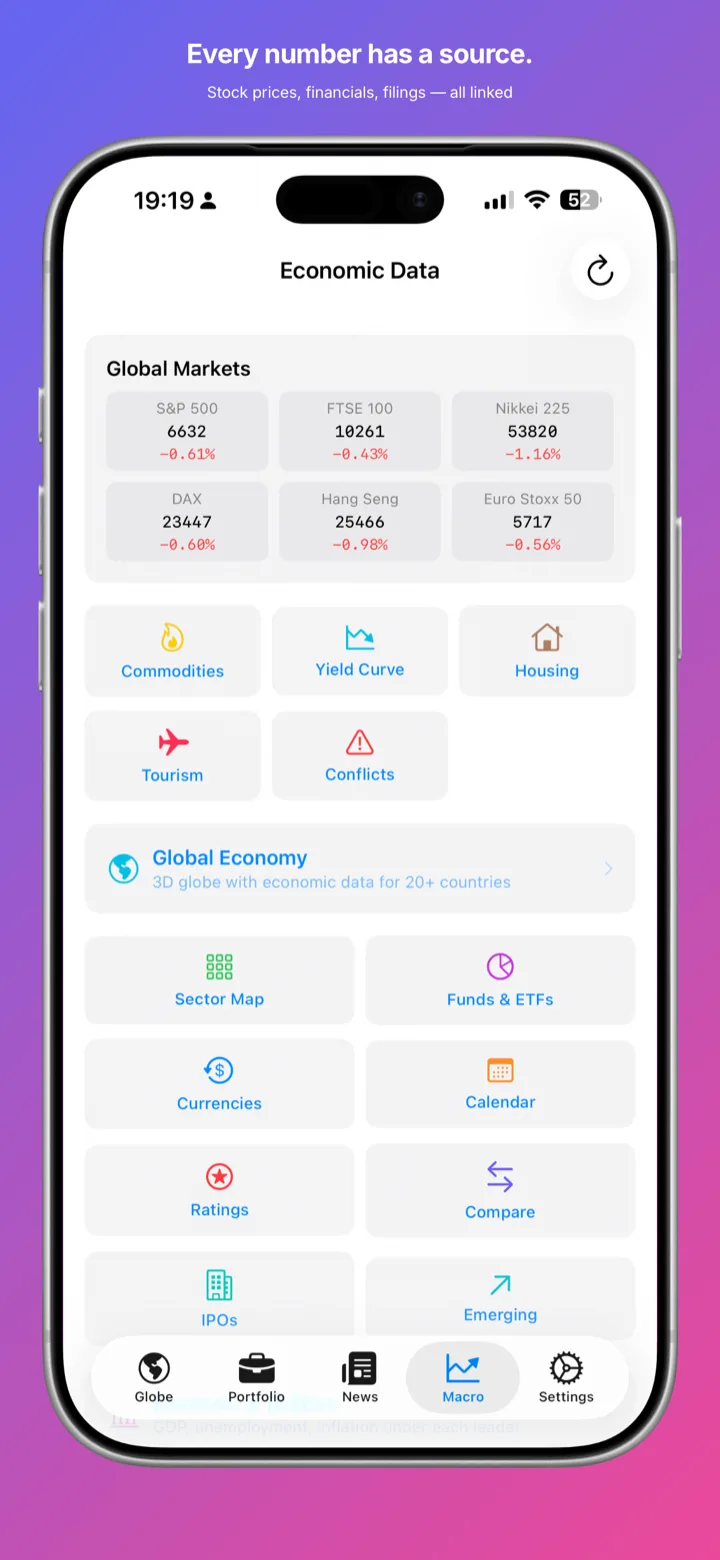
Markets & watchlist
Commodities, currencies, a sector map and a fund explorer. The free watchlist holds five tickers. Tickview Pro adds an unlimited watchlist, holdings totals with gain/loss, a widget with your choice of tickers, an exposure map, comparisons, a daily brief, event prep, theses and a journal. New users get Pro features for 7 days in the app with no payment details; after that Pro is a one-time lifetime purchase or a monthly subscription.