Earn screen time
Children earn fun app access by spending time in learning apps chosen by their parent, at a configurable ratio.
Screen time children earn by learning. Kids unlock fun apps by spending time in the learning apps you choose — at a ratio you set. Everything stays on your device.
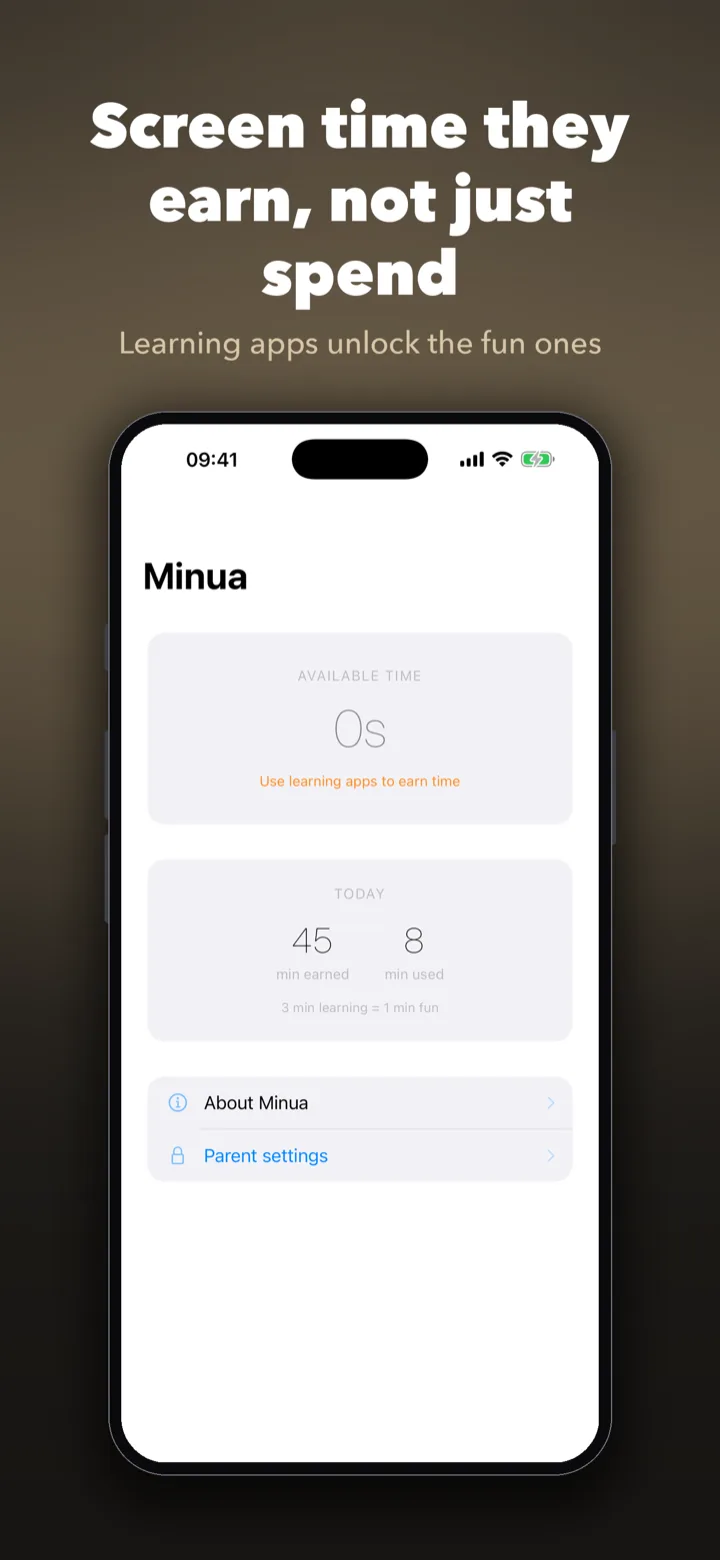
Set the rules once, then hand the device over. Children see exactly how much time they have earned and what learning unlocks more — no surveillance, no nagging, nothing sent anywhere.
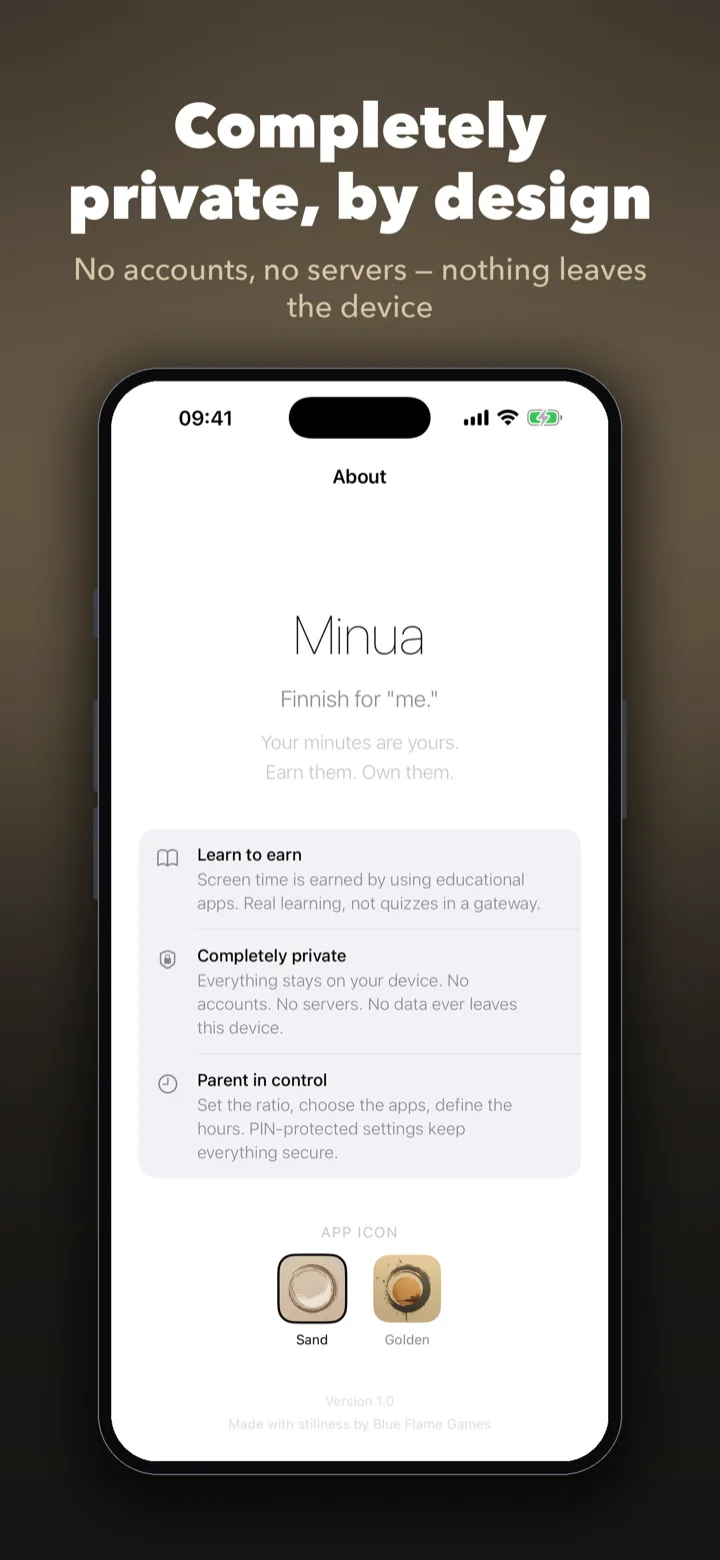
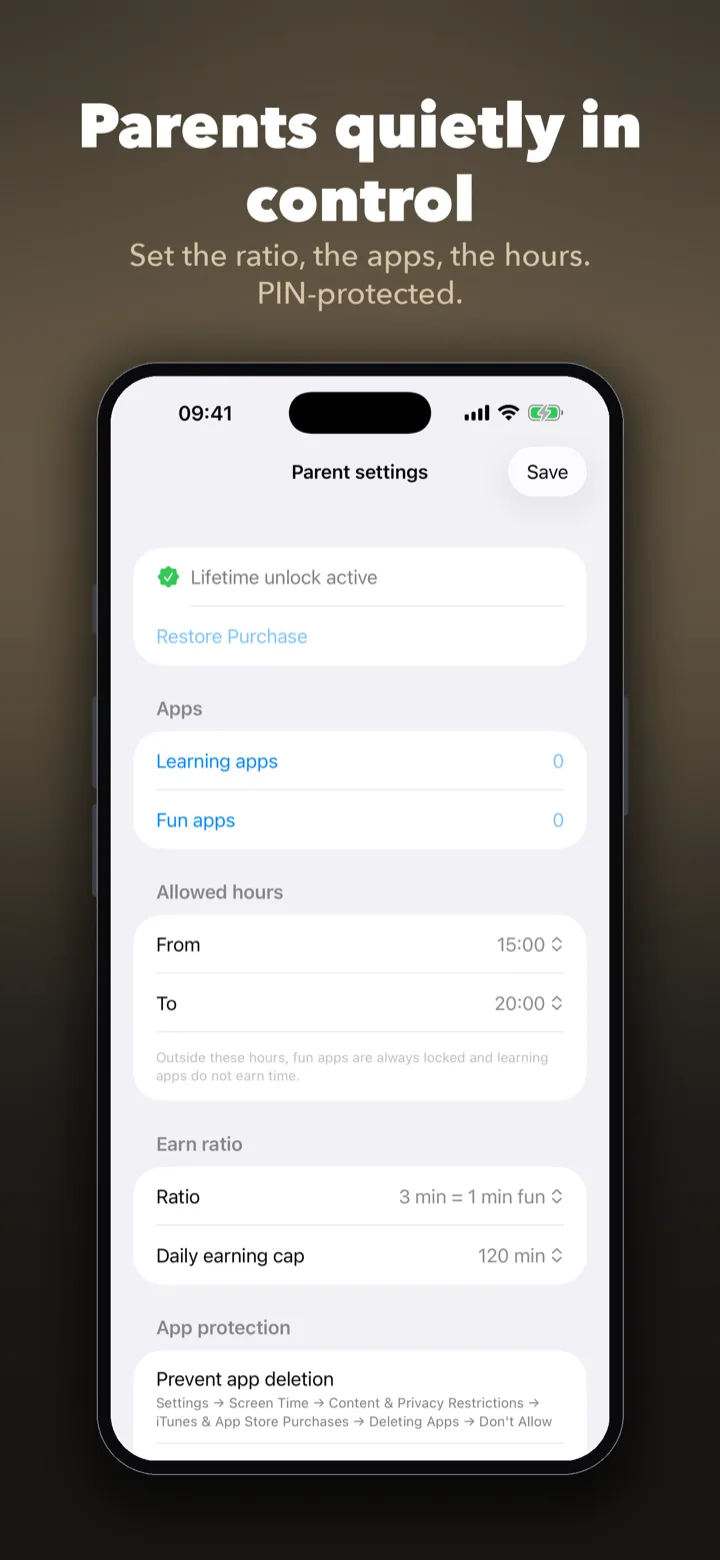
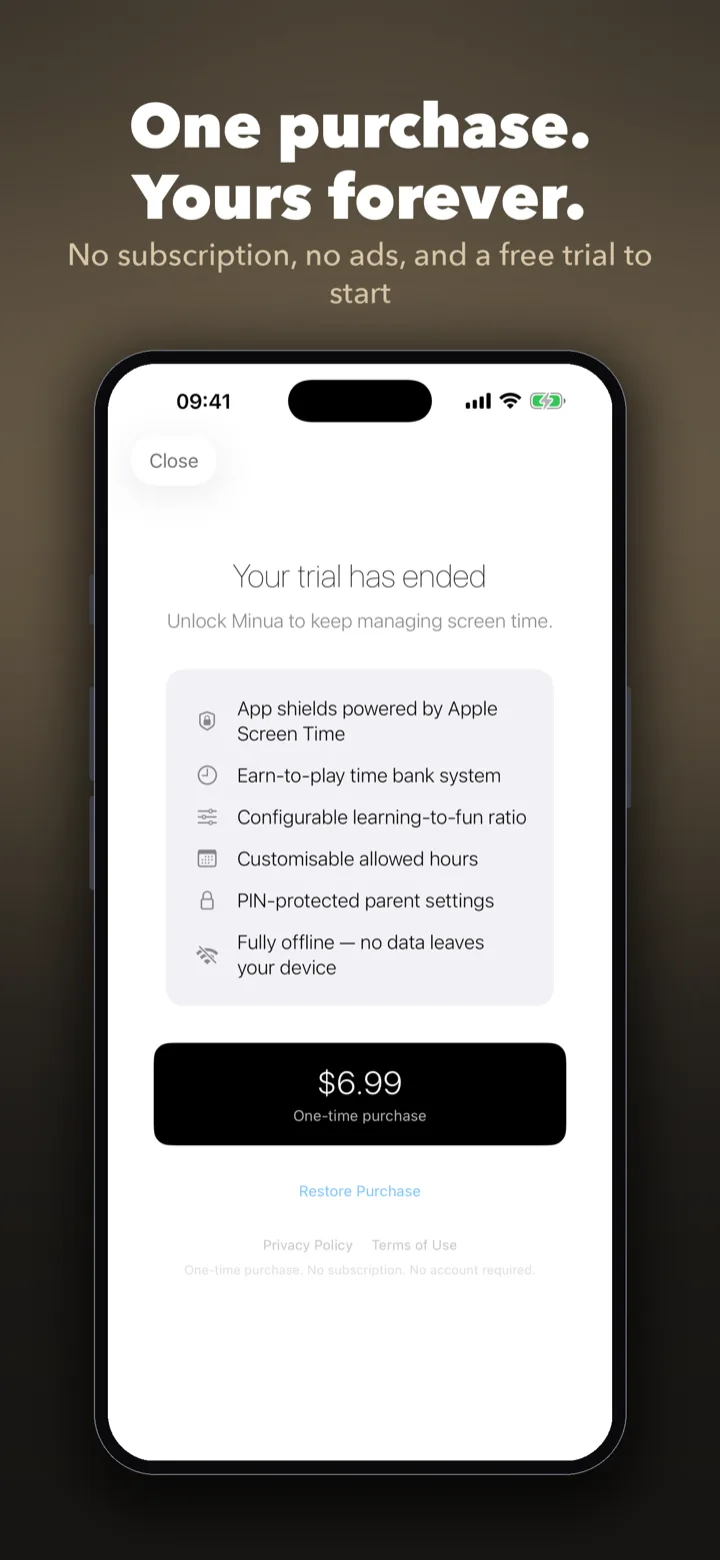
A complete earn-to-play screen time tool — children earn fun app access through learning, and parents stay in control without another account to manage.
Children earn fun app access by spending time in learning apps chosen by their parent, at a configurable ratio.
App locks are enforced at the system level for reliable, OS-grade restrictions — no separate monitoring service.
Set a daily time window when fun apps can be unlocked. Outside those hours, fun apps stay locked.
The earned-time bank resets each day, so children start fresh every morning with a clean balance.
Parent settings sit behind a private PIN with a lockout after failed attempts. Children cannot change the rules.
No email, no sign-up, no cloud sync. Set it up, hand over the device, and everything stays on-device.
Most parental control apps ask for a family account, then route your child's routines through a vendor cloud. Minua doesn't. It is built on Apple's own parental controls framework and runs entirely on your device.
Minua is for parents searching for a screen time app for kids, a parental control app without tracking, or a better way to connect learning time with recreational screen time. It is especially relevant for families who dislike the feel of surveillance-heavy parental control software.
More specific than generic parental control: Minua reframes screen time as something children earn through useful activity.
Built on Apple's own parental controls gives a cleaner, more trustworthy story than many cross-platform monitoring apps.
No account and no cloud, so it appeals to privacy-conscious parents who don't want child data living on a vendor server.
Rewarding learning is easier to explain and live with than endless punishment loops around screen limits alone.
Minua is a strong fit for searches like screen time app children earn, best parental control app for iPhone, private screen time app for kids, and learn to earn screen time.
No. Minua is built around on-device controls, not tracking-heavy surveillance software.
Yes. That earned-time mechanic is the core product concept.
No. Minua is designed around local setup, not another cloud account to manage.