Draw it, fill it
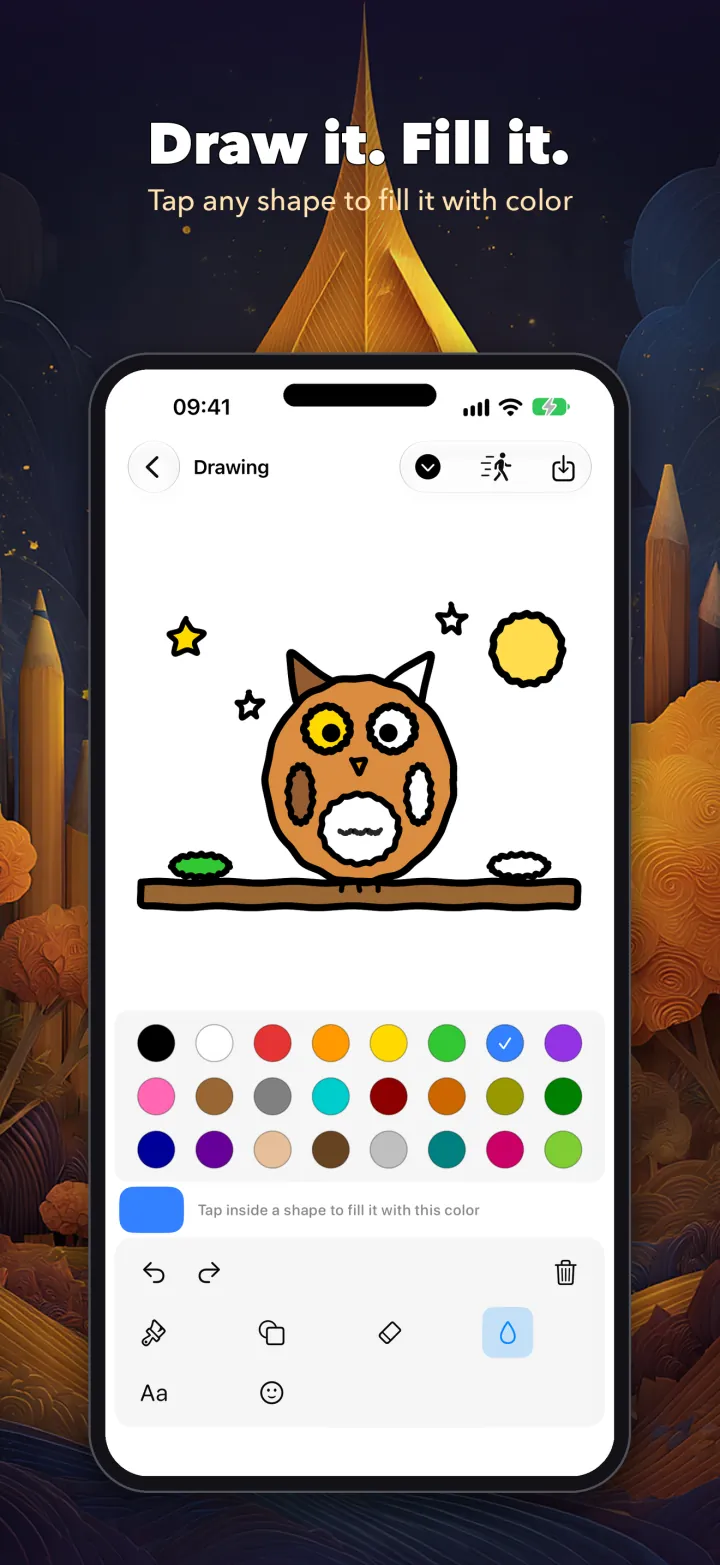
Sketch any shape, then tap inside it to fill it with color. Only that shape fills, even if a line doesn’t quite meet.
Color to unwind. Detailed color-by-number pages reveal the original painting, shading and all, as you fill each number — from a 146-page coloring book with mandalas for calm minutes. For the kids: Color In with stars for neat coloring, draw any shape and tap to fill it, then watch it dance — plus storybooks read aloud and a music maker.

Draw and fill, animate, color, build storybooks and make music — for kids and grown-ups. Everything anyone makes stays on the device.


Drawing and filling come first, then animating, coloring, storytelling and music — built so everyone always ends a session with something they made.
Sketch any shape, then tap inside it to fill it with color. Only that shape fills, even if a line doesn’t quite meet.
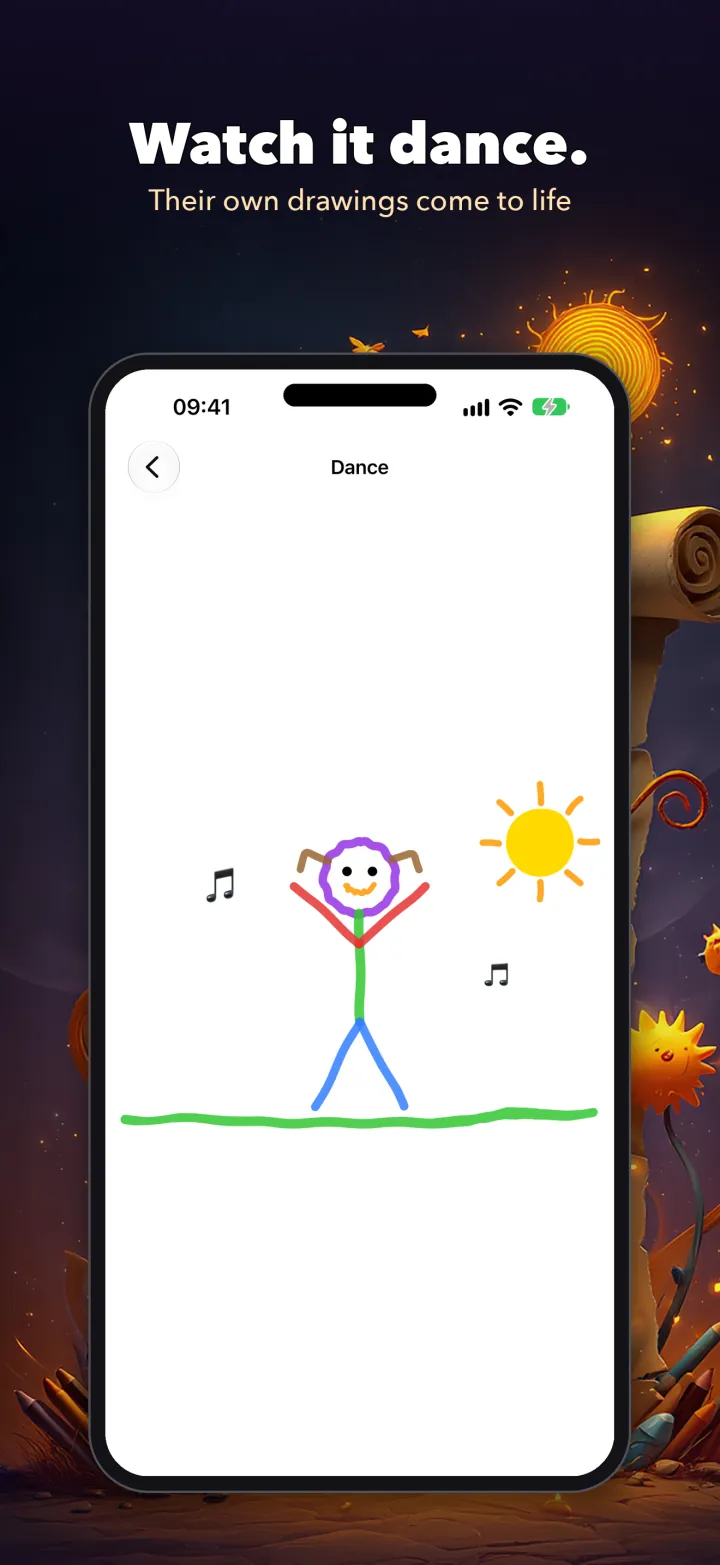
Bring the character you drew to life — it can walk, run, dance, wave, jump, sit or fall asleep.
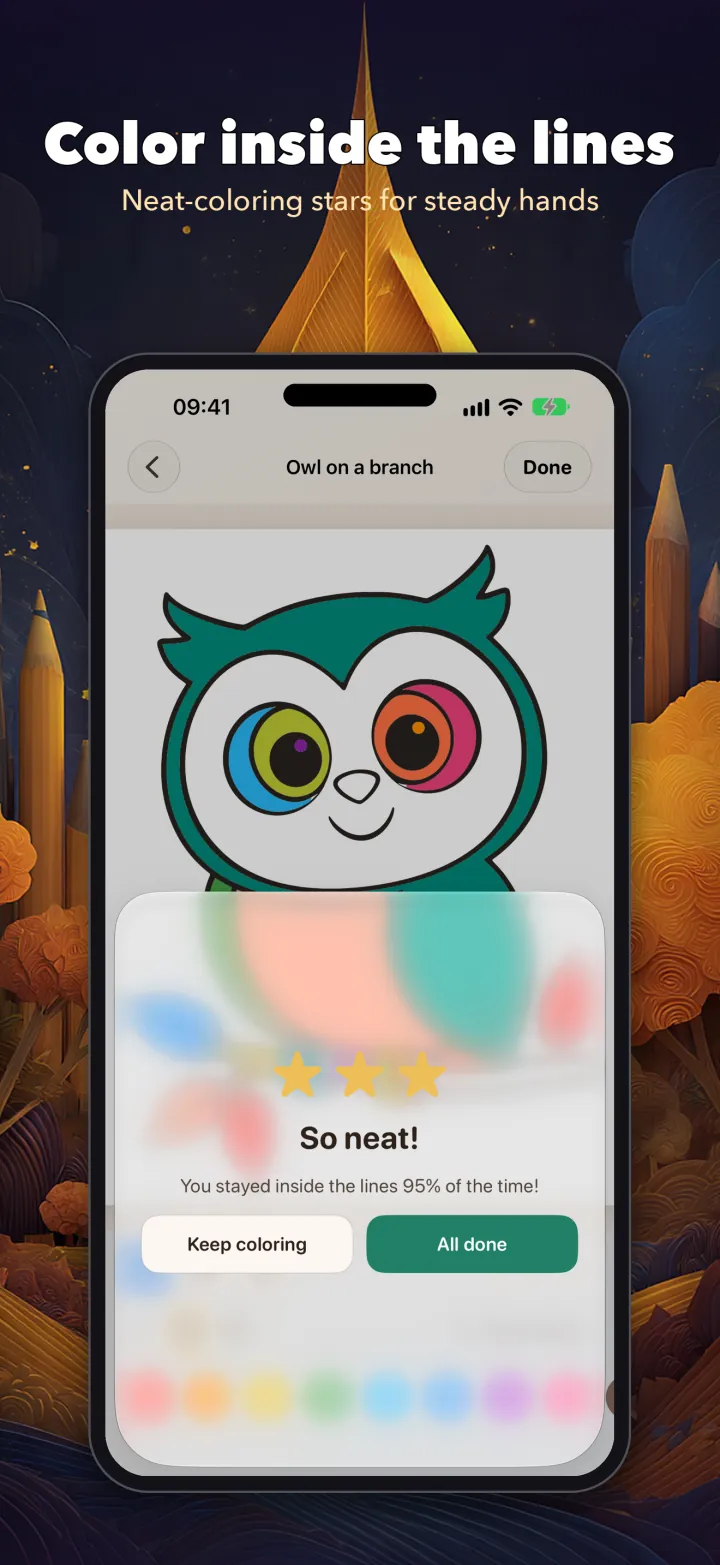
Kids color by hand inside the lines, pinch to zoom in on small details, and “Magic edges” helps the little ones. Neat-coloring stars build steady hands — and it never scolds.
Simple pages for kids, intricate relaxing pictures and mandalas for grown-ups. Tap the numbered areas with the matching color — finish the picture and the original painting is revealed exactly, shading and all.
Grown-ups get their own profile, with a calm corner that opens on coloring and no math challenges.
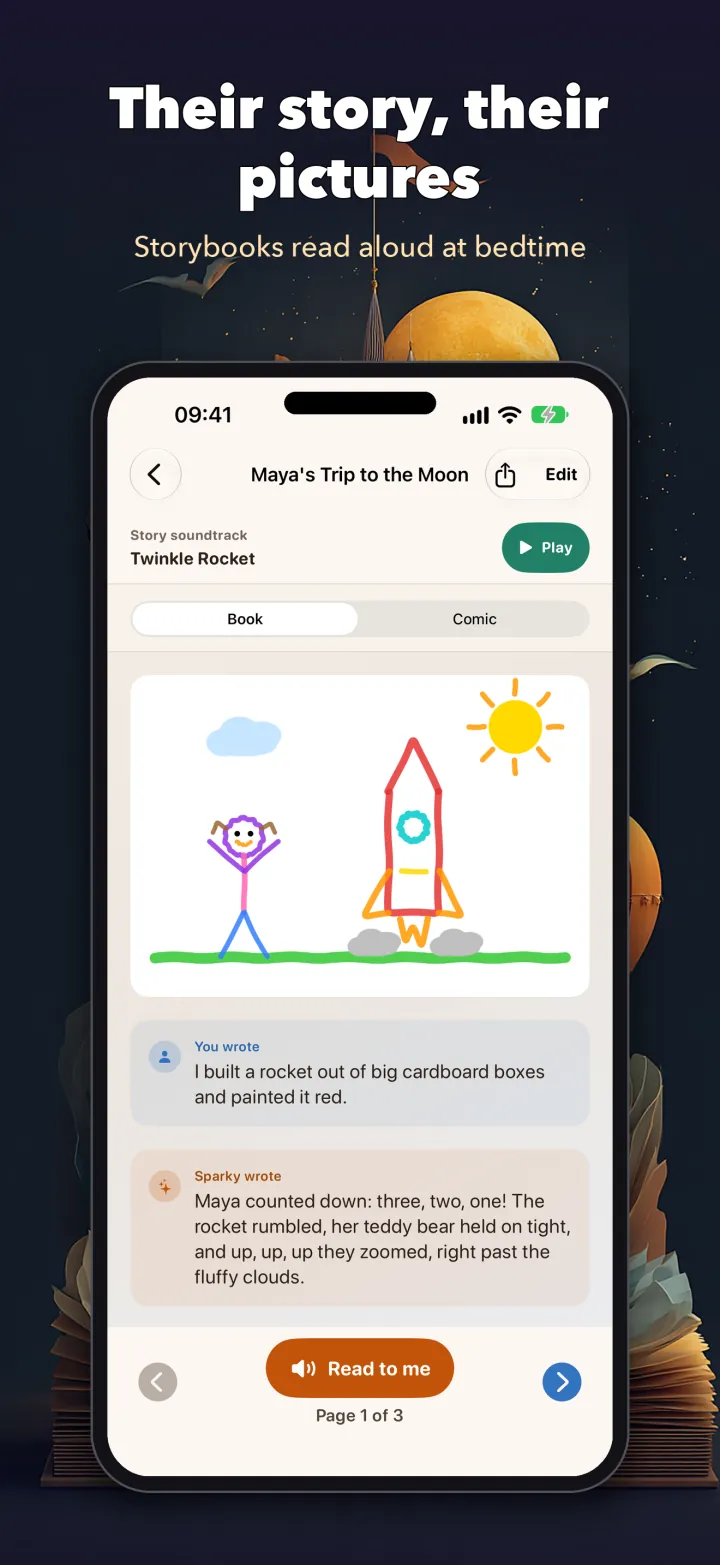
Stories become illustrated storybooks starring a child's own drawings, with a soundtrack. "Read to me" reads every page aloud.
Loops, beats and instruments — piano, drums, strings — plus rain, birds and the sea, with ready-made tunes to start from.
Brushes, shapes, stickers, text and tap-to-fill, with undo, pinch-to-zoom and pan. Sized for small hands; works with Apple Pencil.
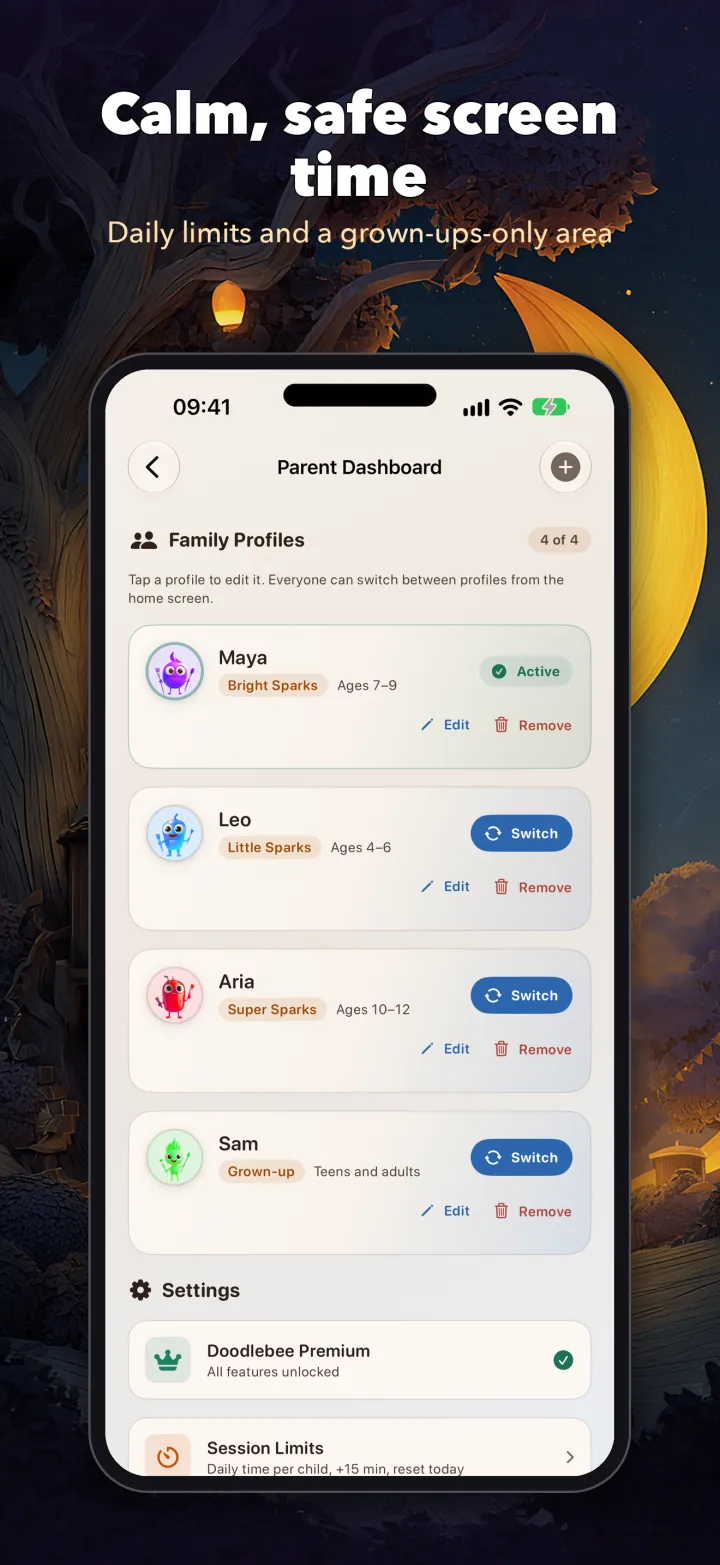
Every creation is saved with a picture thumbnail. Brothers and sisters switch profiles with "Who's creating?"
No ads, no child accounts, no analytics. Daily time limits with "+15 minutes today", and a grown-ups-only area behind a parental gate.
Most apps aimed at children are built to hold attention. Doodlebee is built to spark it — every session ends with something a child actually made, and often something that moves.
Doodlebee is for families who want a drawing and coloring app for kids that replaces passive scrolling — and for grown-ups who want a coloring book to unwind with. A calm, ad-free app for drawing, coloring and storytelling, without ever asking for an account.
Relaxing pictures and mandalas to color in or color by number, with a profile of their own and a calm corner that opens on coloring.
A creative alternative to endless watching — children make drawings, storybooks and music instead of just consuming them.
No accounts, no cloud uploads, no ads and no analytics. What a child makes stays on the device, and grown-ups decide what to share.
From a four-year-old's first scribble to a ten-year-old producing a soundtrack — ages 4 to 12 in one app, with three age bands that adjust as they grow.
The canvas is sized for small hands from the very first scribble, and Apple Pencil works too.
Where many kids' apps center on exploring play worlds or mini-games, Doodlebee is built around making things — drawings that move, storybooks and music.
A child's own drawing can walk, run, dance or wave — not a ready-made character, but something they drew themselves, moving.
Kids and grown-ups in one app, with up to four family profiles and a single purchase that covers everyone.
No ads, no child accounts and no analytics. Creations stay on the device, and a parental gate protects purchases and settings.
No. Kids draw, fill, animate and make stories; grown-ups get their own profile with a calm corner for coloring and color by number, and no math challenges.
In Color In, kids color by hand inside the lines, with pinch-to-zoom for small details and stars for neat coloring. In Color by Number, you tap the numbered areas with the matching color, and finishing the picture reveals the original painting exactly, shading and all. There are 146 pages in all. On your own drawings, tap inside any shape to fill it.
Yes. There's no social sharing, no public gallery and no stranger interaction — a parental gate keeps purchases, sharing and settings out of little hands.
No. There's no sign-up, it works offline, and everything anyone creates stays on the device; grown-ups decide what gets shared. It runs on iPhone and iPad with iOS 26 or later, and the app is in English for now.
Creating is the point — drawing, filling, animating, coloring, storybooks and music come first. On supported devices, the unlock also adds an optional story helper: Sparky takes turns with a child on a story they started, and every reply is checked before a child sees it. See how on-device AI keeps that private.